

Categories
Your device is worth more than you think.
Categories
Results
Or, login with: Google
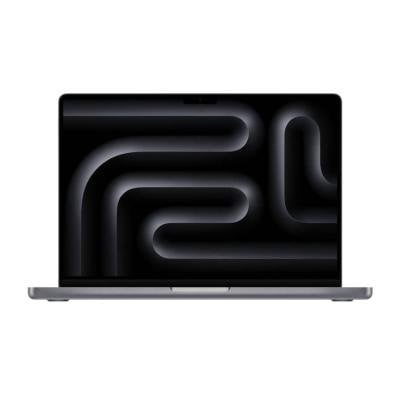
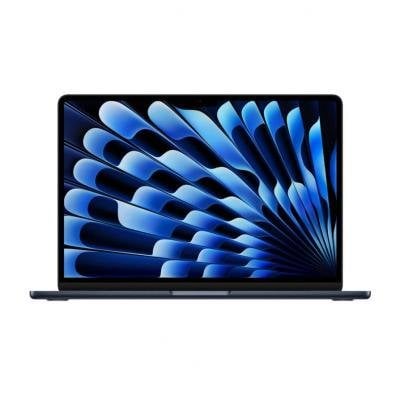
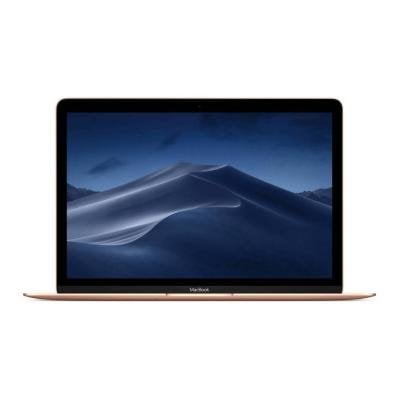
It's important to get your MacBook model correct prior to selling it as prices between different MacBook models can very significantly.
Your MacBook model information can be found by doing the following:
If you couldn't find your model information by following the above steps, we recommend following the steps above again and noting down your serial number. As an alternative, the serial number can be found on the back of the MacBook or on the original packaging. You can then visit the Apple Check Coverage website, log in with your Apple ID and input your serial number. The model information should appear on the page.
Another alternative is to paste the serial number on the EveryMac.com's Ultimate Mac Lookup page.
It depends. There's no one right answer. However, MacBooks hold their value very well and if you're an experienced seller on eBay or Craigslist, you will likely get the highest value for your MacBook on those platforms. However, they do require more effort from the seller, charge fees, and come with risk of fraud that novice sellers may not know how to protect themselves from.
For those customers, we recommend using a trade-in site such as ItsWorthMore. Trade-in websites leverage their volume discounts and industry know-how to provide a smooth streamlined experience; for a slightly lower payout.
Another alternative is to trade-in your MacBook directly with your big-box retailers or with Apple. These typically offer lowest payouts and often come in a form of a gift card.
Some older MacBooks especially non-functional ones, do not have much of a resale value and you can choose to recycle them. Recycling in an environmentally friendly manner helps keep toxic pollutants, such as lead, out of the environment. Keeping us all healthier and happier!
The best time to sell your MacBook is usually as soon as you can. Trade-in prices for MacBooks rarely trend up so it's best to prepare your MacBook for sale as soon as you've received your replacement and transferred over all your data.
If you're looking to get the latest MacBook right when it's released, the best time to trade-in or lock-in an offer would be right before the announcement.
Apple has a very handy step-by-step guide on What to do to before you sell or trade-in your Mac you can reference to ensure you've taken all the necessary steps to prepare your MacBook.

Just read the reviews — our customers love us.

Our rating with the Better Business Bureau.

Assured payments within days.





We're getting great recognition in the news.

Our offer is higher than our competitors.
A top rating from ResellerRatings.com.