Vende tu MacBook Air
FAQs
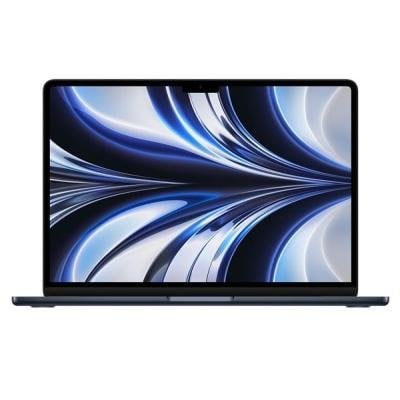
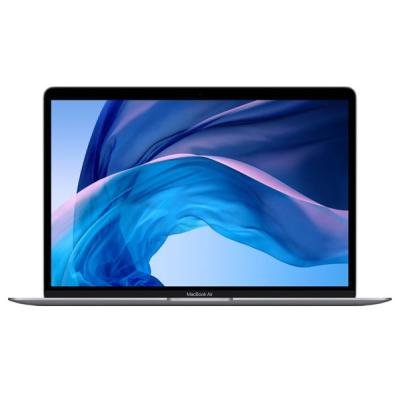
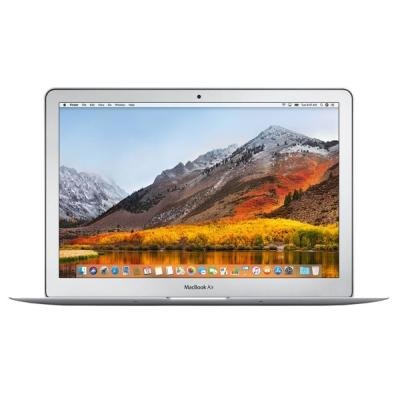
It's important to get your MacBook Air model correct prior to selling it as prices between different MacBook Air models can very significantly.
Your model year can be found by doing the following:
- Choose About This Mac from the Apple () menu in the upper-left of your screen.
- You should now see some information about your laptop, including the model year.
If you couldn't find your model information by following the above steps, we recommend following the steps above again and noting down your serial number. As an alternative, the serial number can be found on the back of the MacBook or on the original packaging. You can then visit the Apple Check Coverage website, log in with your Apple ID and input your serial number. The model information should appear on the page.
Another alternative is to paste the serial number on the EveryMac.com's Ultimate Mac Lookup page.
If you still haven't managed to identify your MacBook Air model year, you can reference Apple's very own Identify Your MacBook Air Model guide.
Por qué la gente nos elige y lo ama

Más de 20,000 reseñas
Solo lee las reseñas — nuestros clientes nos aman.

Calificación BBB
Nuestra calificación con el Better Business Bureau.

¡Pagamos rápido!
Pagos asegurados en días.





Visto en
Estamos recibiendo gran reconocimiento en las noticias.

Mejor oferta
Nuestra oferta es más alta que la de nuestros competidores.
Calificación Elite
Una calificación superior de ResellerRatings.com.